Data and storage layout
Manager records, project volumes, backups and encrypted secrets: what lives where, and what a backup actually copies.
What it is
The manager stores three kinds of state in three places. Its own configuration and records live in a SQLite database in the platform data directory. Project data lives in each project's Docker volumes, outside the manager. Secrets that the manager must keep for later use are encrypted in the manager database under the vault master key. Backups are files in the project directory.
Keeping these apart is deliberate. The manager database is small and replaceable; a project's data is the thing worth protecting. A manager reset should not be a project data loss, and a project reset should not erase the register.
Why it matters
Backups, restores and machine moves all depend on knowing what is where. Copying the manager database is not a backup of your projects. Copying a project folder is not a backup of the manager's records. A restore that mixes the two can bring back a project record whose files are gone, or files that no project record points at.
It also matters for the vault. A manager database backup contains encrypted vault rows, so the backup is only useful together with the master key that encrypted them. Keeping the key in the same place as the database defeats the point of encrypting the rows; keeping it nowhere makes the backup unrecoverable. Store the key where you store the machine's other secrets, and keep a copy with the database backup.
Where state lives
Diagram: the manager database sits in the platform data directory and contains projects, settings, port allocations and encrypted vault rows; each project's Postgres data sits in Docker volumes; backups are SQL files under the project's supabase/backups directory.
The manager database
The database is SQLite, loaded into memory with sql.js and rewritten on mutation. On Windows it lives under the application data directory, for example %APPDATA%\supabase-local-manager\Config\supabase-manager.db; on Linux and macOS it uses the platform data directory. Because the whole file is rewritten, a copy taken while the manager is running can be inconsistent. Stop the manager, or copy between writes, before treating the file as a backup.
Numbered migrations apply in one transaction, with a pre-migration backup file beside the database and an automatic restore on failure. A leftover backup file after a failed boot is a signal that the last migration did not complete.
The secret boundary
Diagram: the manager process holds the vault key and decrypts secrets only inside its own boundary; project containers receive secrets through configuration, and the manager database holds ciphertext rather than plaintext.
Project data and backups
Each project's Postgres data lives in Docker volumes managed by the Supabase CLI. The manager does not mount or copy those volumes; it asks the CLI to start and stop the stack and asks the database for catalog information. Project backups are SQL dumps written under supabase/backups in the project folder, with metadata in the manager database.
The manager's own log directory follows the platform log location and is bounded by the admin retention setting. Proxy and denial logs are operational records, not a permanent audit archive.
Failure and recovery
A corrupted manager database can be restored from a backup file beside it, or reset at the cost of the register and settings. The project folders are unaffected by either. A failed vault key rotation makes existing vault entries unreadable unless the previous key is retained; keep VAULT_MASTER_KEY_PREVIOUS until the rotation is confirmed. A project folder moved on disk breaks its record's path; re-register it rather than editing the database by hand.
Configuration
What a restore does not bring back
Restoring the manager database brings back records and settings, not project data. Restoring a project backup brings back that project's database, not its storage objects or its manager record. A complete recovery from a machine loss needs the project folders, the manager database, the master key and any exported backups, and the order matters: restore the database with its key before you expect vault rows to decrypt.
Where you see the project boundary
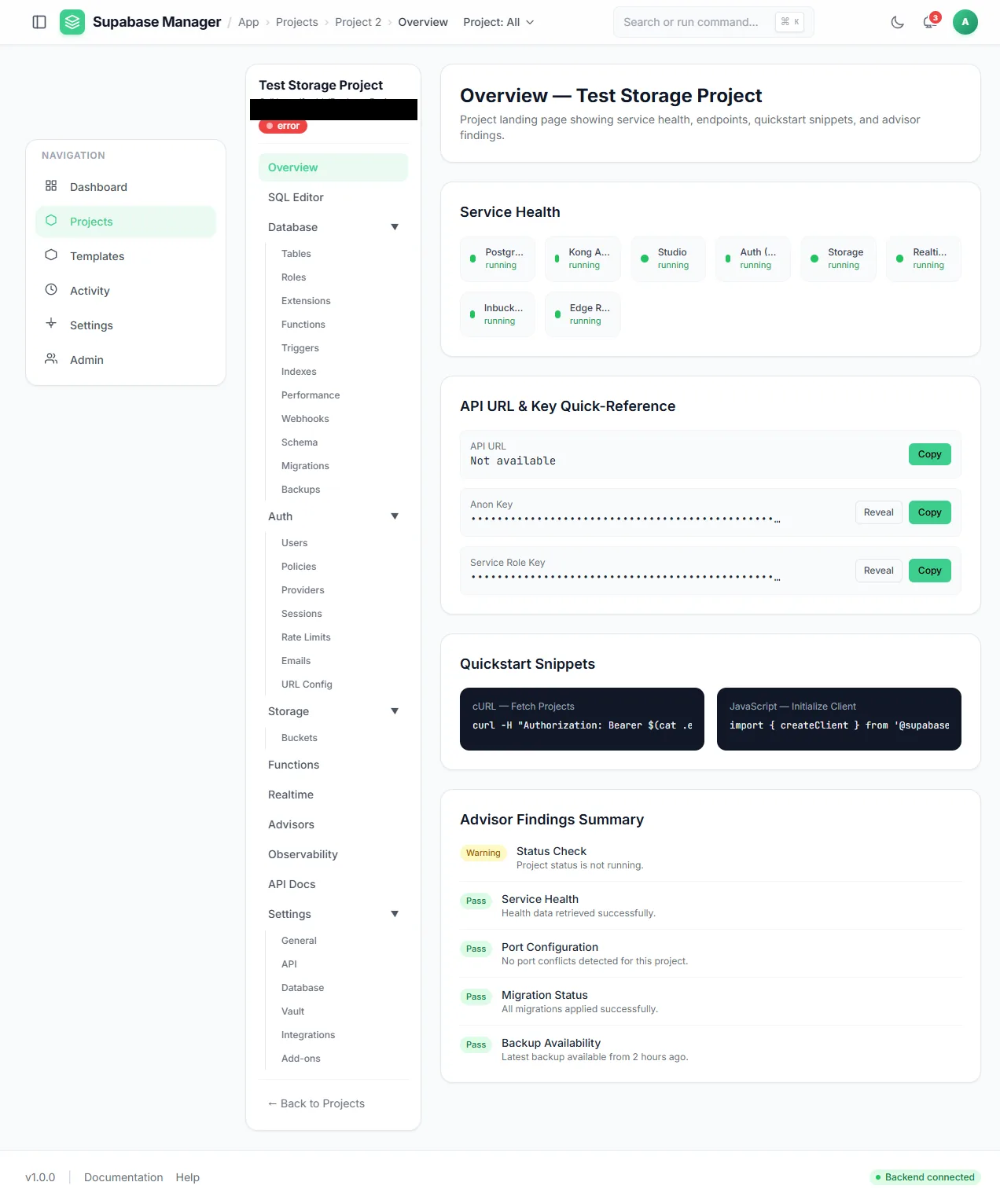
A single project overview: service health, masked keys, client snippets and advisor results.