Supabase Local Manager
Run and manage many local Supabase stacks from one dashboard, with one stable front door for every project's services. Self-hosted, single process, no cloud account.
What it is
Supabase gives you Postgres with auth, storage, real-time and generated APIs. Out of the box it is built around one project in one folder, reached through a handful of raw ports. Supabase Local Manager turns that into a control plane: one Node and Express service that provisions and manages many local Supabase stacks at the same time, each on its own reserved block of ports, with a management interface for its database, SQL editor, auth, storage, functions, logs, migrations and API documentation.
Each project remains a normal Supabase project. The manager creates plain Supabase configurations, starts them with the open-source Supabase CLI, and writes the allocated ports into the project's own supabase/config.toml. Nothing about the stack is proprietary, and the project directory continues to work with the CLI on its own.
Why it exists
Running several supabase start stacks means juggling ports and remembering many service URLs. Every restart can reshuffle them. The manager reserves a port block per project, shows project and service health in one dashboard, and routes every project's services through one shared entry point, so an application can use a stable URL instead of a port that changes.
It also puts the everyday administration surfaces in one place: table editing, SQL, row-level security, auth users, storage buckets, edge functions, logs, migrations, backups, advisors and API docs. You do not need a cloud account, an internet connection for the interface, or a hosted Supabase project.
The front door in one picture
Diagram: a client request reaches the front door on port 6000, the first path segment resolves to a project's database link, the access evaluator checks the manager session or the project API key, and the request is forwarded to that project's Kong gateway or Studio.
How the pieces fit
The manager process serves the React dashboard and the management API. It owns a small SQLite database of projects, users, settings and port allocations, loaded in memory with sql.js. For project operations it shells out to the Supabase CLI; it does not use a Docker API client. Each project's Postgres data stays in that project's own Docker volumes.
Two entry points make every project reachable. The path-routed front door listens on port 6000 and uses the first URL segment as the project's database link. The subdomain proxy listens on port 9000 and resolves the project from the Host header. Both call the same access evaluator, so the routing model cannot change the policy. An unknown link returns a plain 404 before credentials are considered; a known link without credentials returns 401; a manager session reaches only projects it owns or administers.
Everything the manager covers
Dashboard
Project counts, service health, activity and quick actions in one control room.
Dashboard
Open dashboardProjects
Register, discover, import, start, stop, tag and open local Supabase stacks.
Projects
Open projectsDatabase
Browse schemas, inspect structure, edit rows and visualise relationships.
Database
Open databaseSQL workbench
Role-aware queries, snippets, history, exports, explain plans and an assistant.
SQL editor
Open sql workbenchAuth and RLS
Users, sessions, providers, templates, policies and a policy test sandbox.
Auth
Open auth and rlsStorage
Buckets, uploads with progress, previews, signed URLs and policy tests.
Storage
Open storageMigrations
Create, diff, apply and inspect migration history per project.
Database · Migrations
Open migrationsBackups
Create named database backups, list restore points and restore one.
Database · Backups
Open backupsAdvisors
Security and performance findings with severity, guidance and dismissal.
Advisors
Open advisorsAPI docs
OpenAPI generated from the live schema, Swagger UI and client snippets.
API docs
Open api docsLogs and observability
Tail service logs, query six log sources and chart API and service traffic.
Logs · Observability
Open logs and observabilityReal-time
Open a realtime channel, join topics, inspect frames and send test inserts.
Real-time
Open real-timeTemplates
Save a project as a template and create a matching project from it.
Templates
Open templatesAdmin and settings
Manager accounts, system settings, proxy controls, profile and project settings.
Admin · Settings
Open admin and settingsA project at a glance
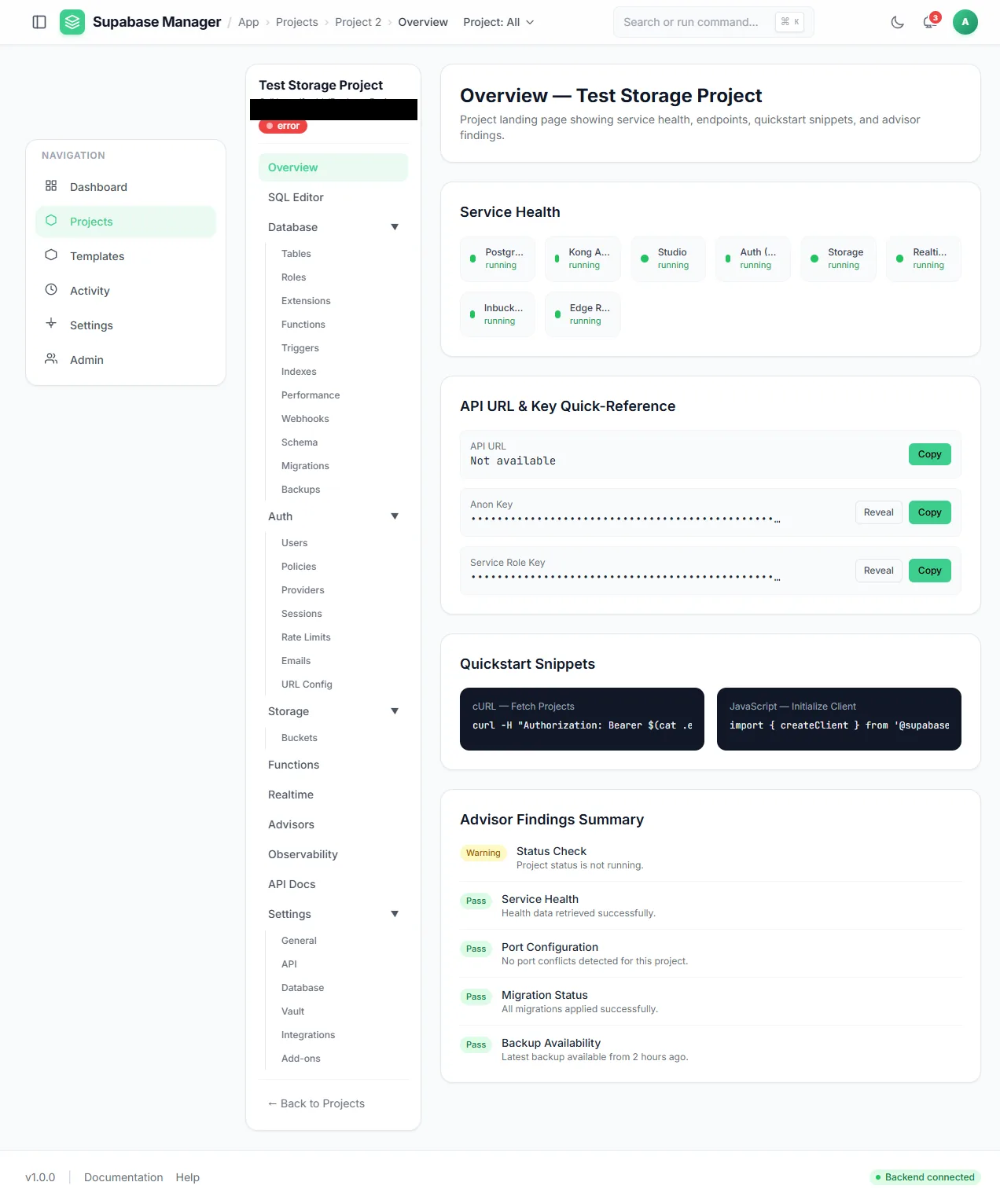
A single project overview: service health, masked keys, client snippets and advisor results.
The control room
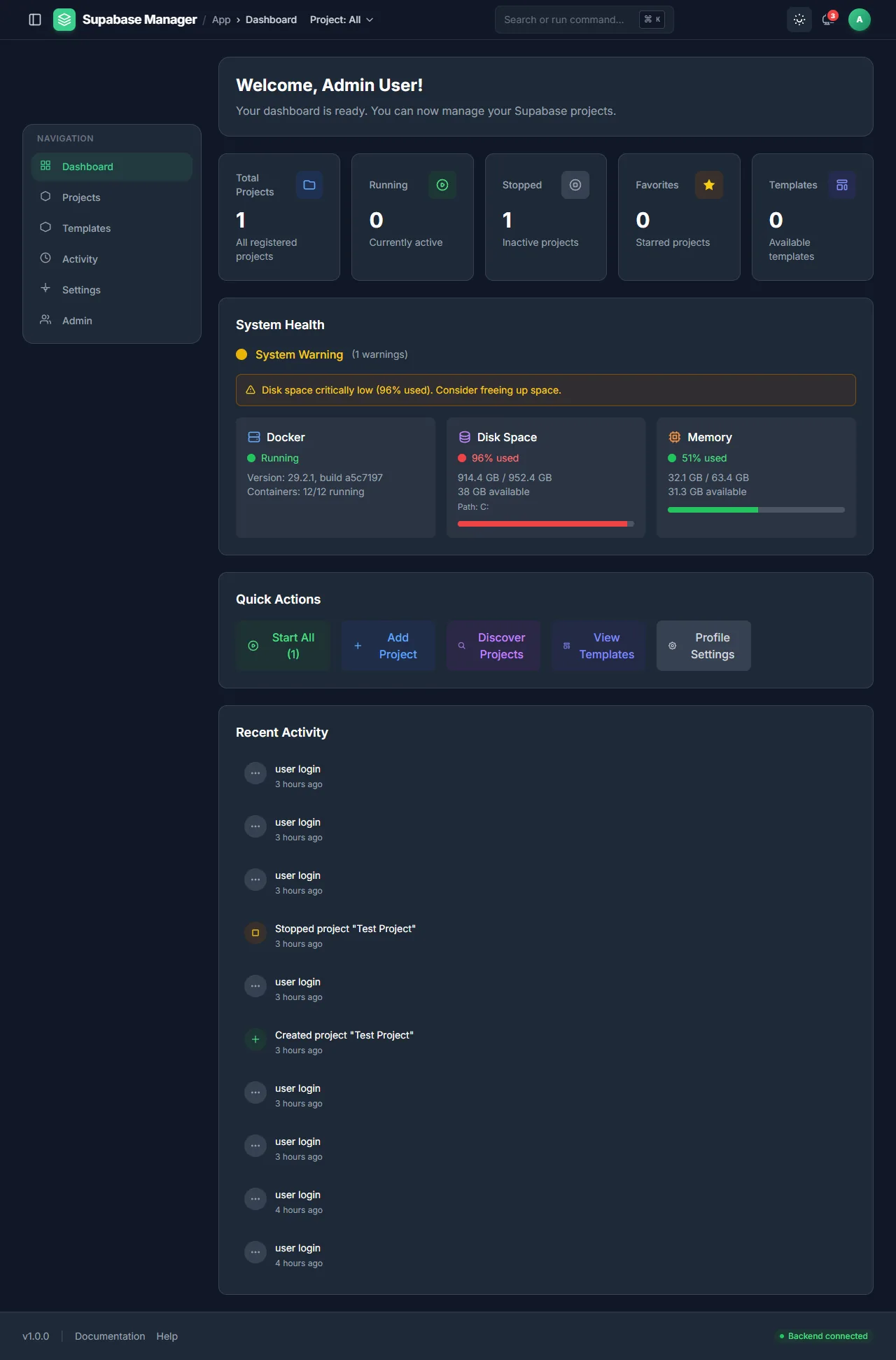
The control room: project counts, system health, quick actions and recent activity.
A look around
Fourteen screens from the product itself, one or two per area. The full set is on the gallery page.
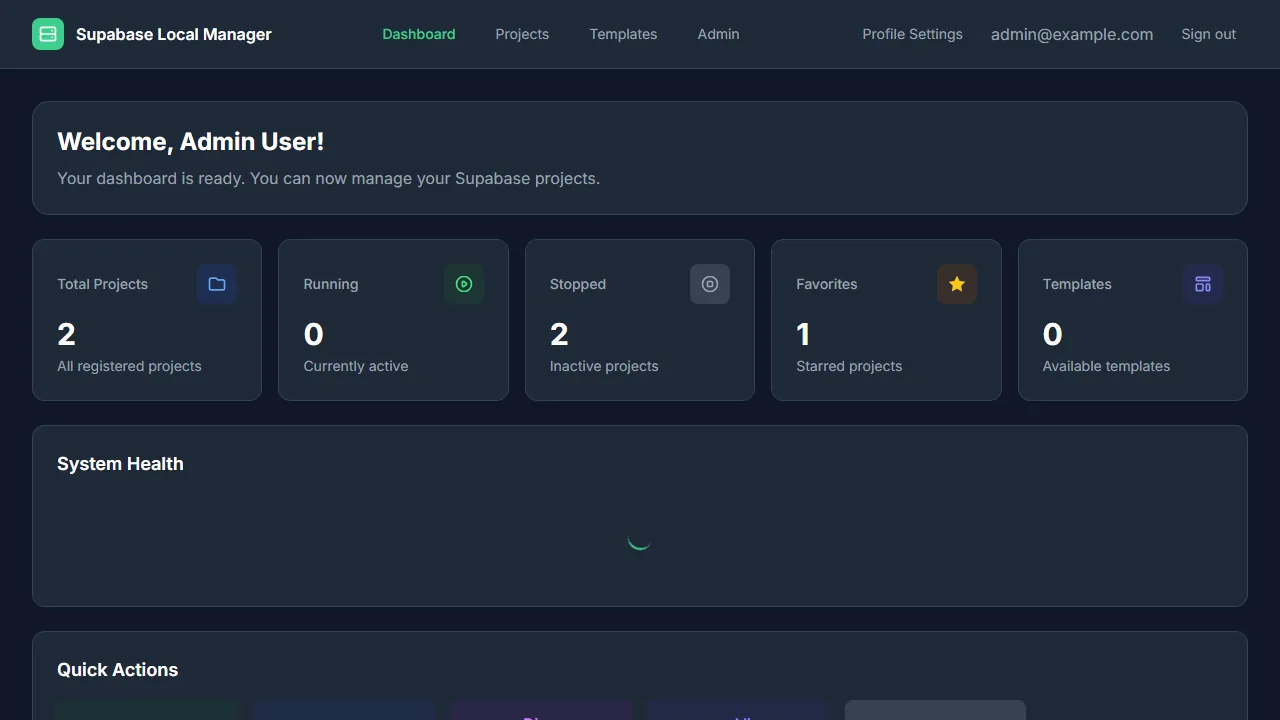
A compact view of every project and the most recent manager activity.
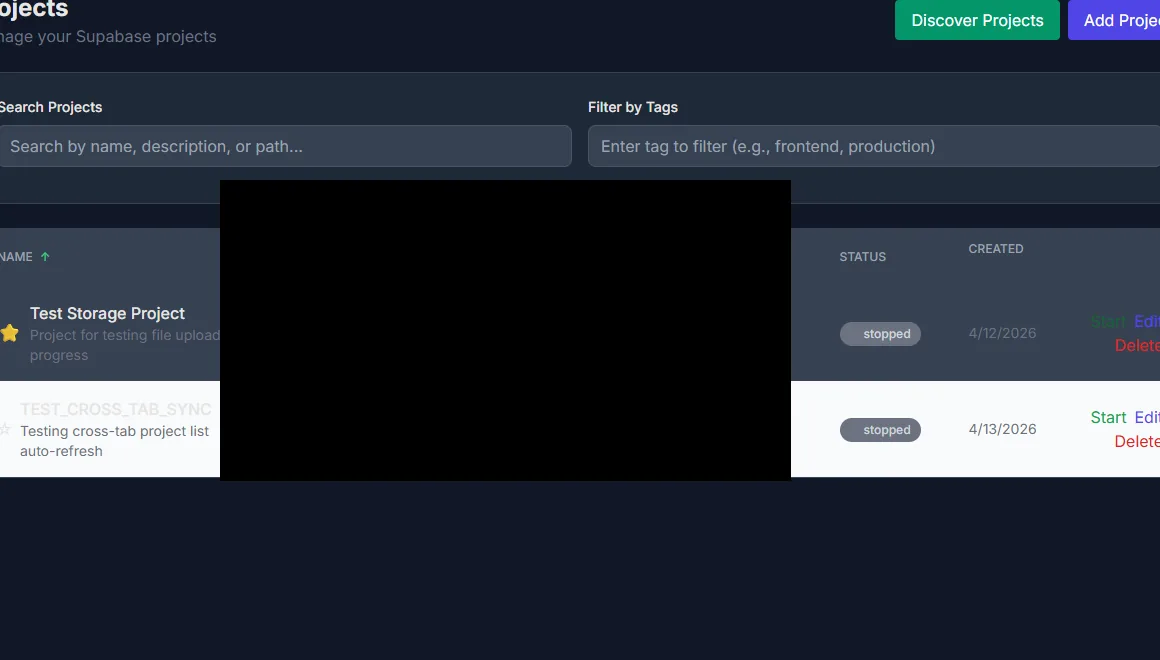
Project rows with status, path and the actions available in each state. Paths are redacted.
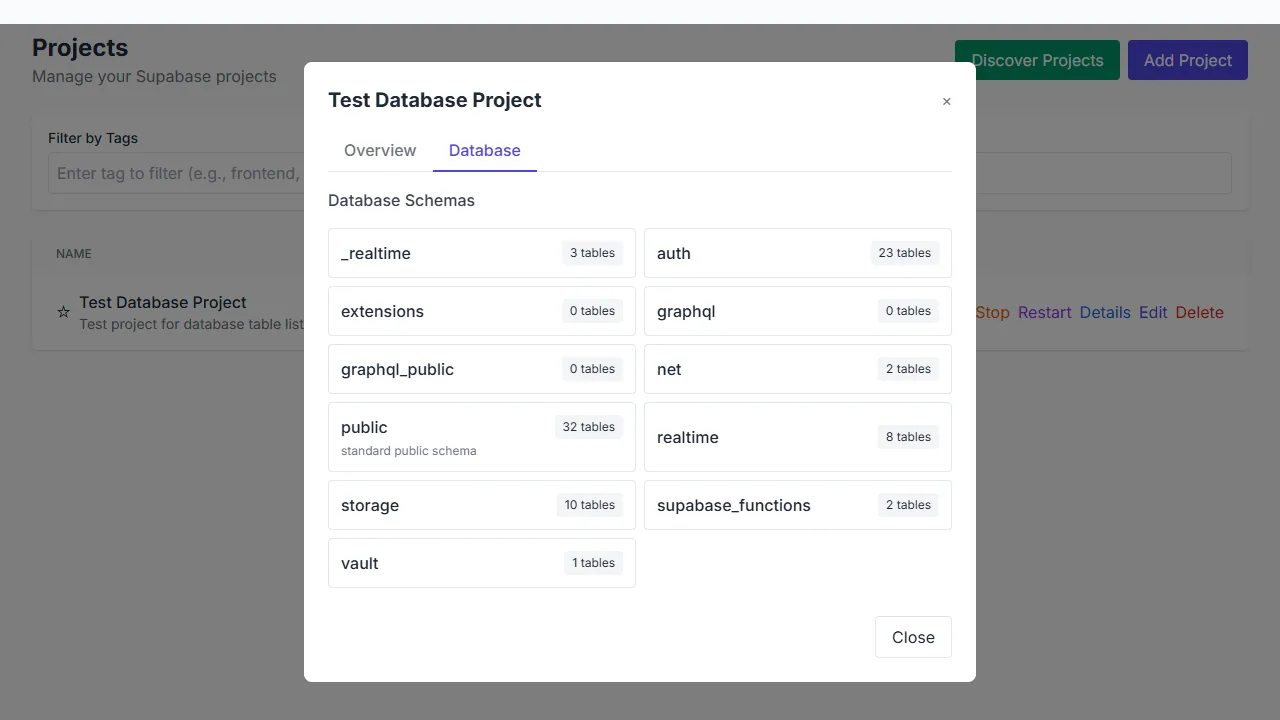
The database explorer groups tables by schema and shows their table counts.
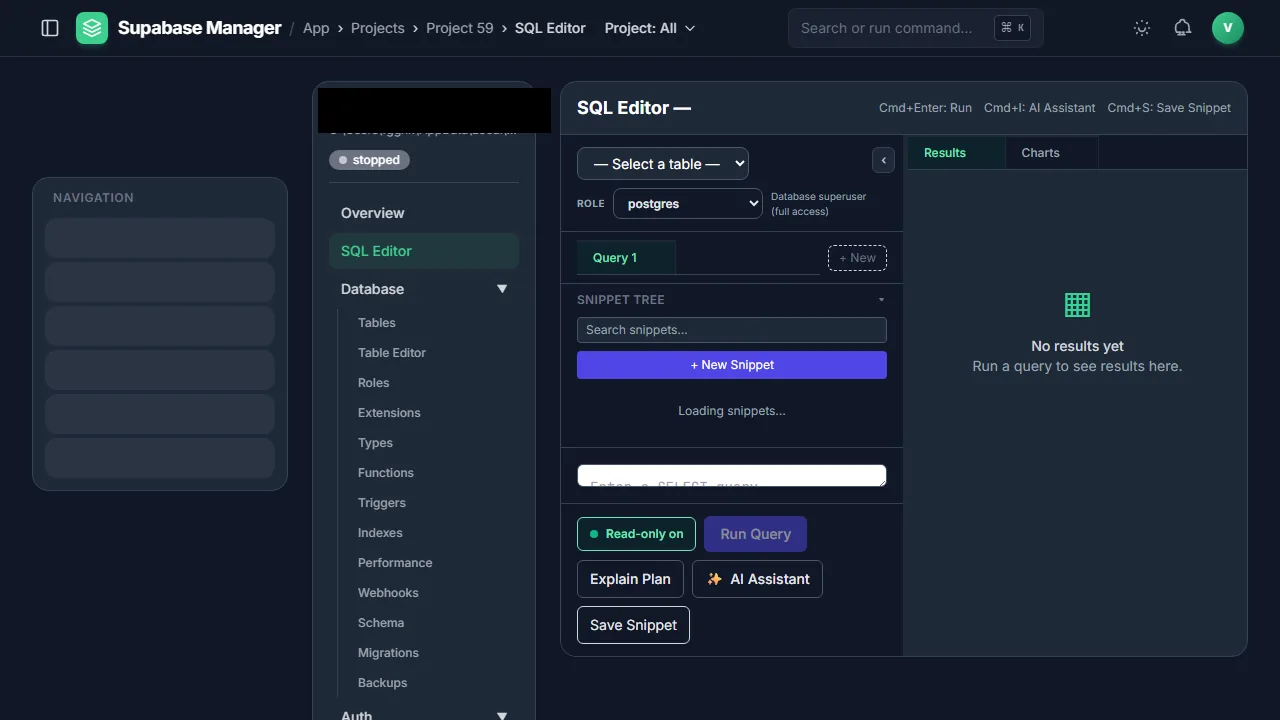
The SQL workbench combines snippets, role-aware execution, explain plans and an AI assistant.
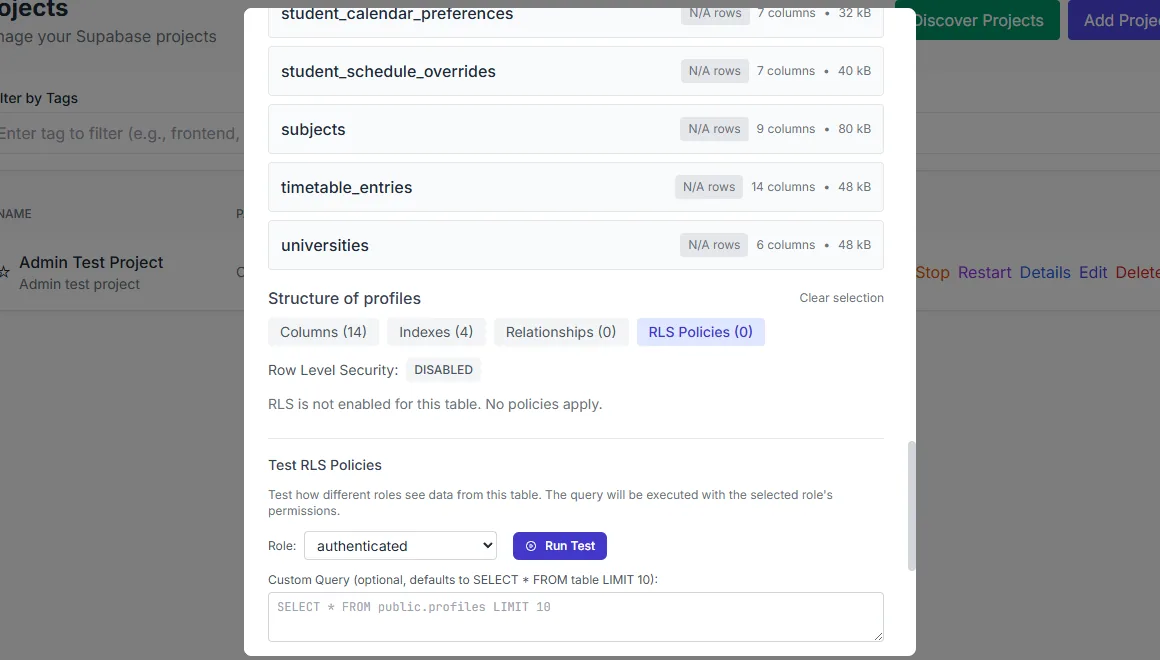
A row-level security test: choose a role, run a probe query and read the result.
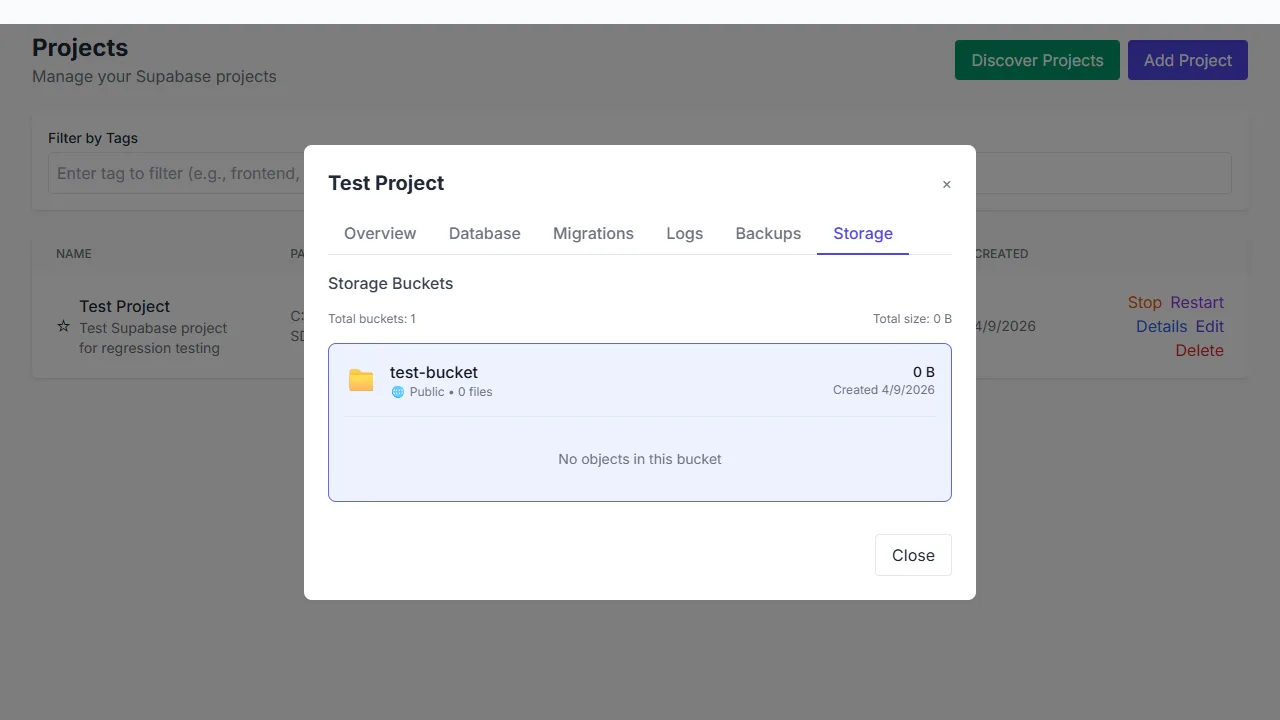
A storage bucket with its visibility and size; the object list is empty.
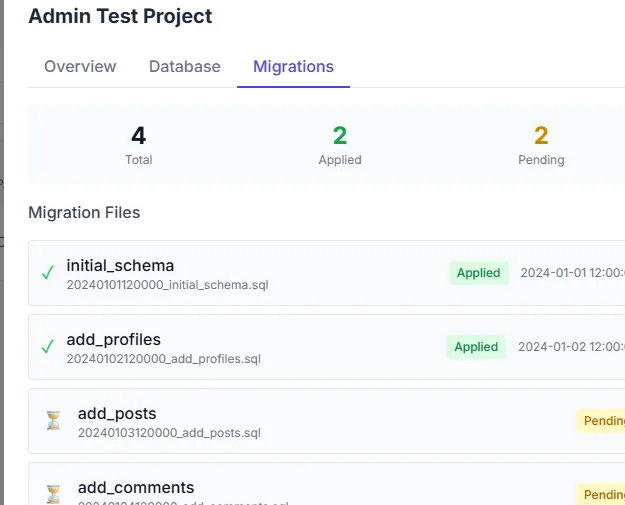
Migration files and their applied or pending state, per project.
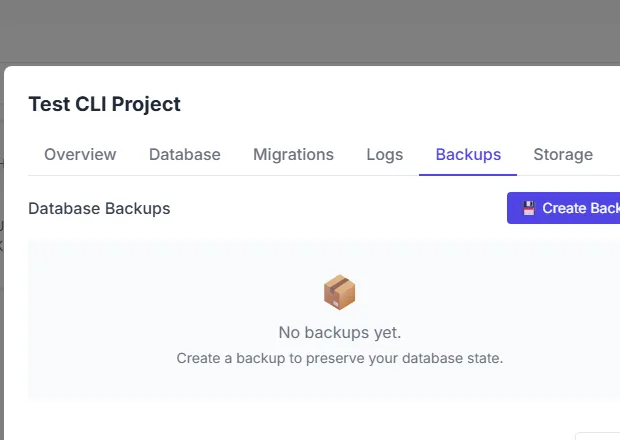
The Backups tab with no restore points yet and a Create Backup action.
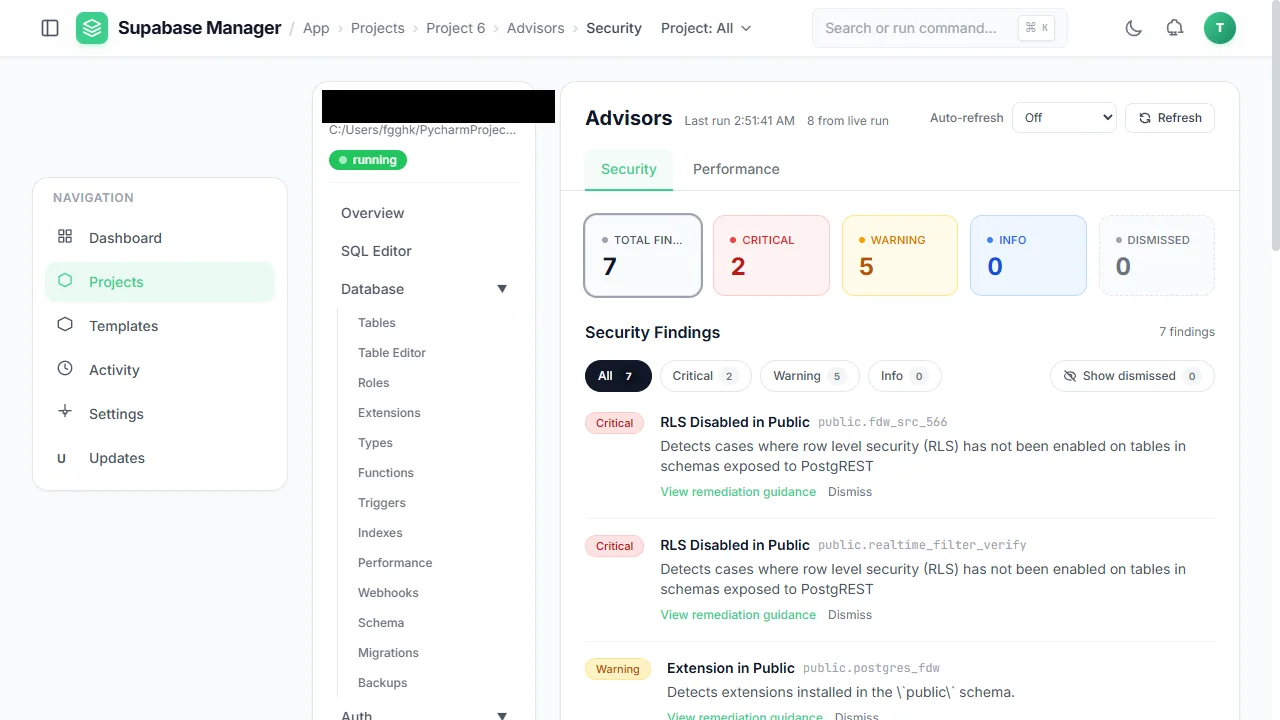
Advisors summarise security findings by severity and explain each one.
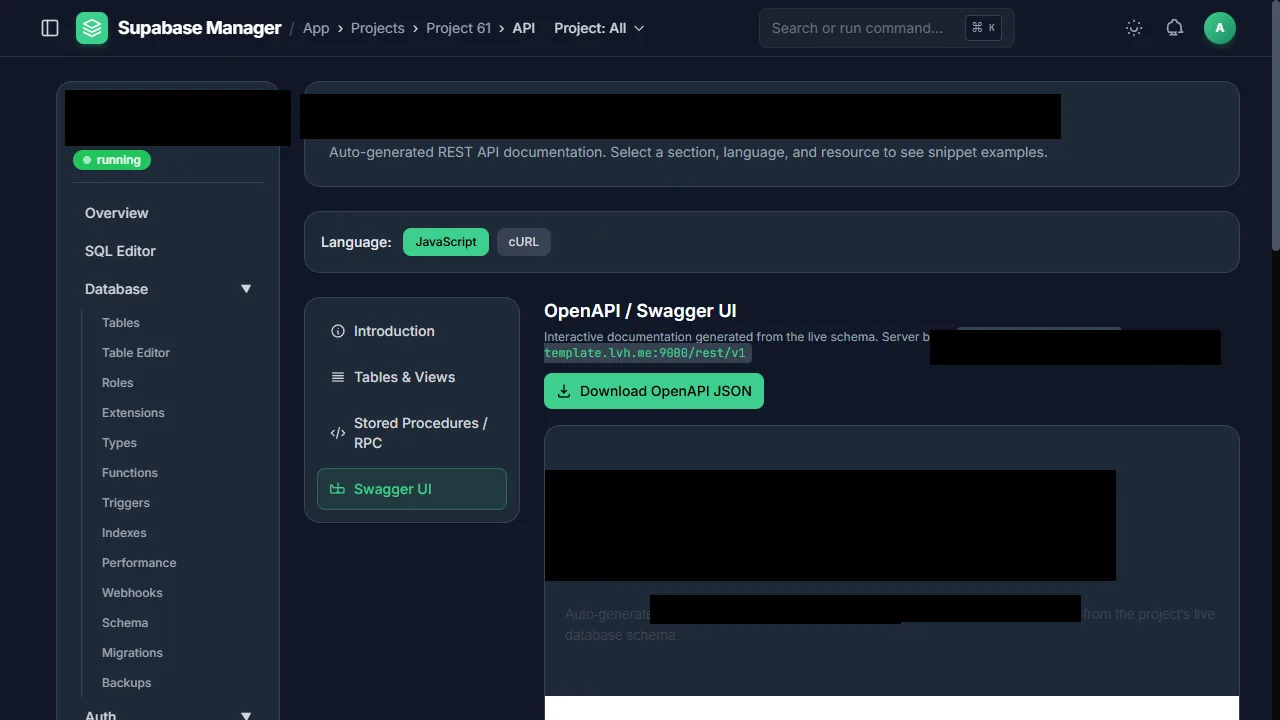
API documentation is generated from the project's live schema.
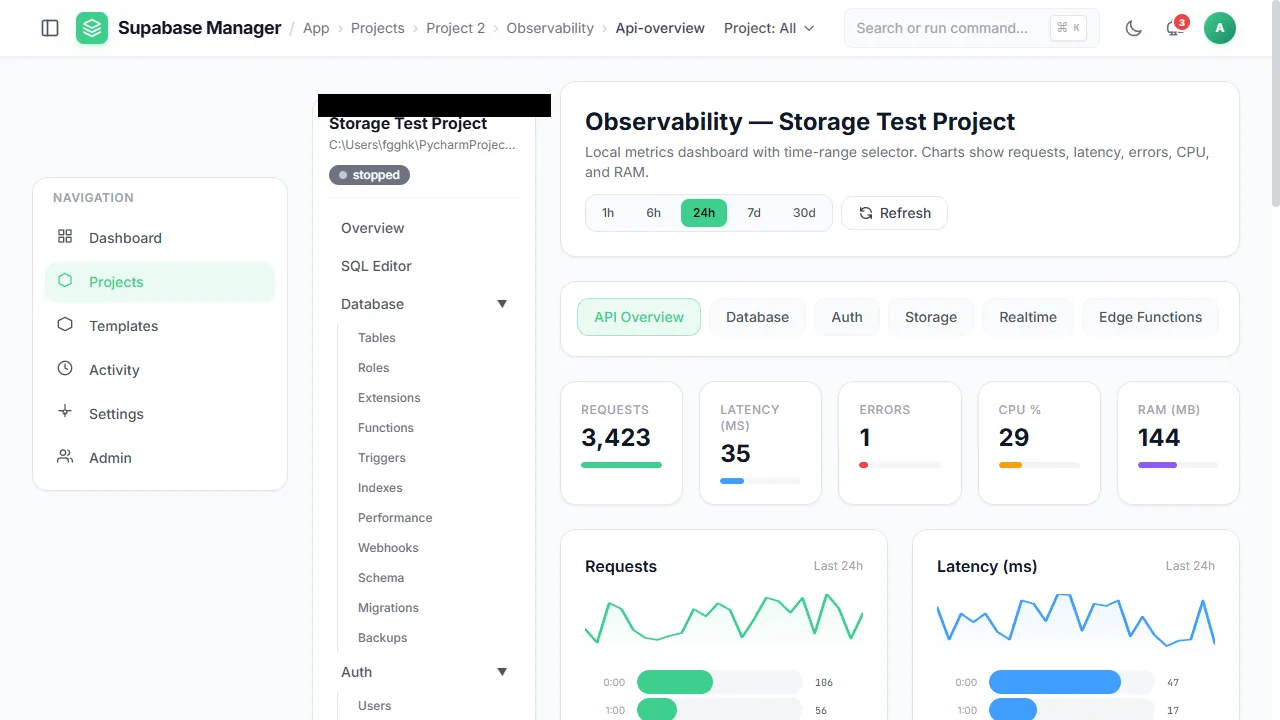
Observability collects API request, latency, error, CPU and memory metrics.
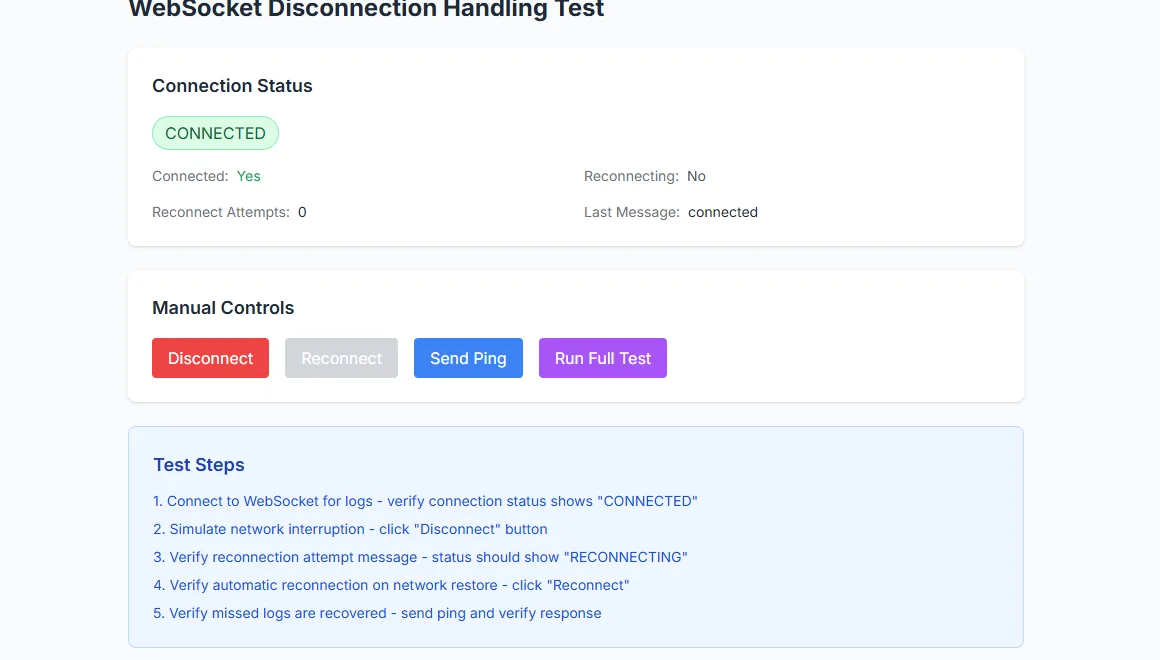
The WebSocket tester reports whether the real-time channel is live.
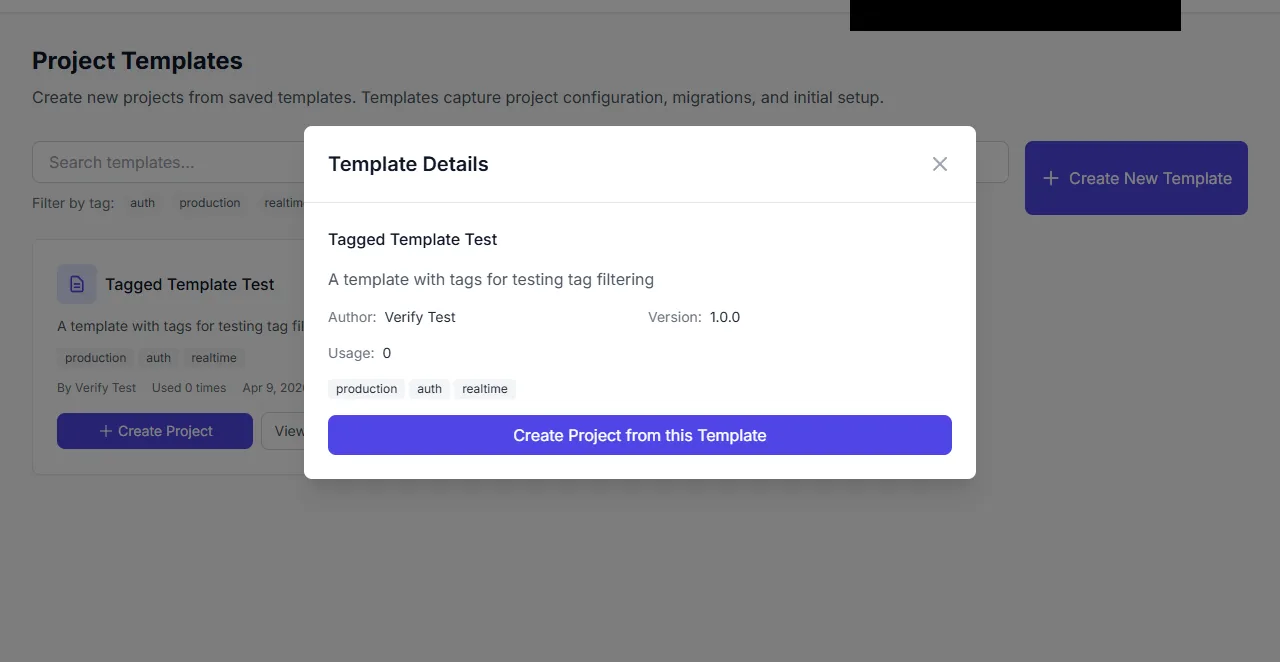
Template details with the action to create a project from the template.
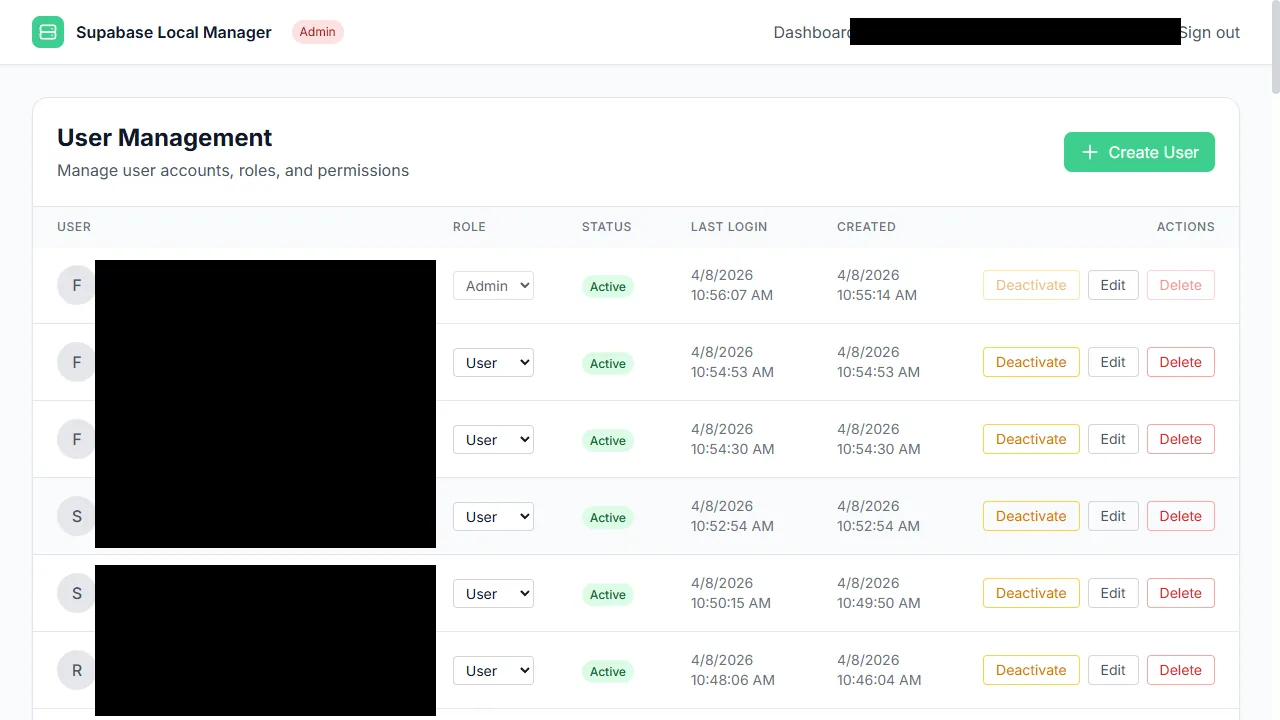
Manager accounts are managed from the admin area.
Related
Verified quick facts
The manager needs Node.js 18 or later, npm, a running Docker daemon for managed projects, and the Supabase CLI through npx. The manager interface starts without Docker; starting a project does not. The default entry ports are 6000 for the path-routed front door, 9000 for the subdomain proxy and 6432 for the shared PgBouncer pooler. Each project owns 11 ports from the 60000 band. The manager API listens on PORT; the example environment file uses 24084 and the code fallback is 24085.
Common questions
Short answers are on the FAQ page: Docker and CLI requirements, how many projects you can run, the front door, port bands, data locations, secret protection, imports and licensing. If something will not start, the troubleshooting guide lists the verified symptoms, causes and fixes.