Your first local Supabase stack
Create a project, start it, and open every surface with screens from the product.
What you will do
This walkthrough creates a project, starts it, and opens each of the surfaces you will use most. It assumes the manager is installed and you are signed in. The screens are from the product itself; project names and test data are synthetic.
Create and start
Open Projects
The list is empty on a fresh install. Add a project by hand or discover existing Supabase folders on the machine.
Add a project
Choose Add Project and point it at the folder that contains the Supabase configuration. Give it a name you will recognize.
Start the stack
Starting reserves the project's port block, rewrites its configuration and runs the Supabase CLI. The first start pulls images.
Open the overview
Service health, the front-door and subdomain URLs, masked keys and a client snippet are on one page.
Open the workbench
Use the project sidebar to reach Database, SQL, Auth, Storage, Logs, Migrations and Backups.
The first stack, screen by screen
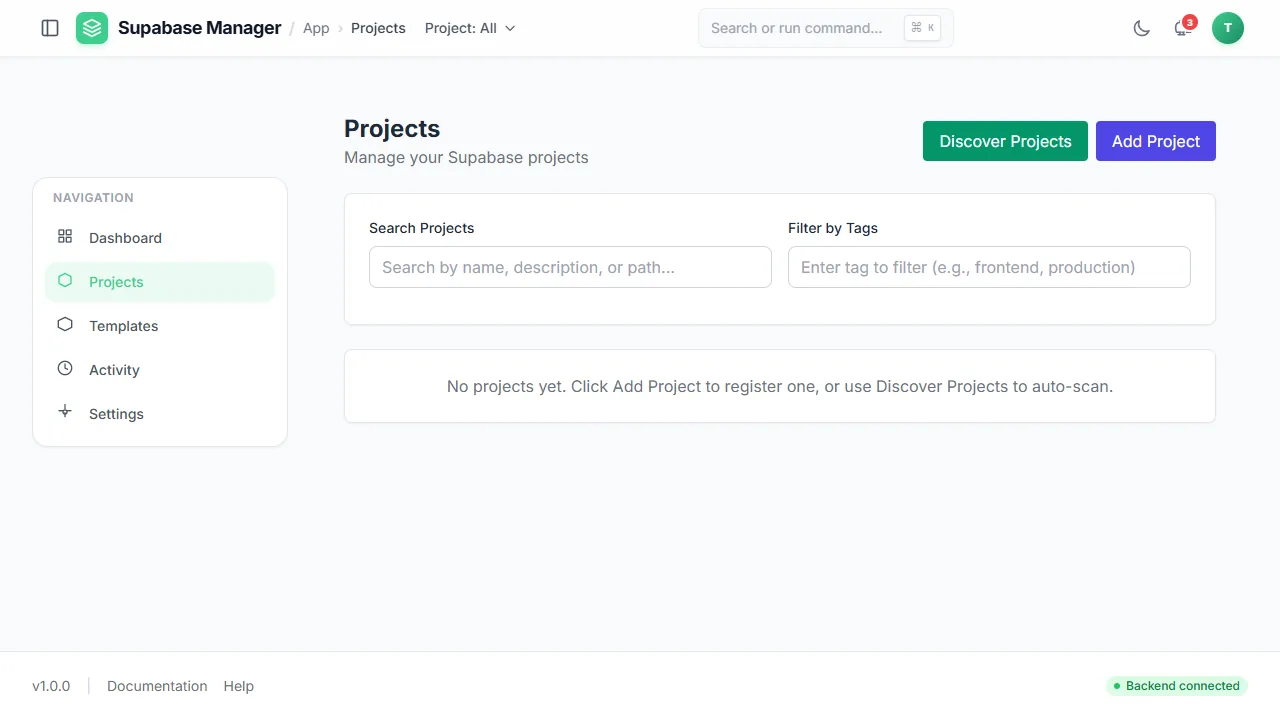
An empty project register on a fresh install, with both the add and the discover route offered.
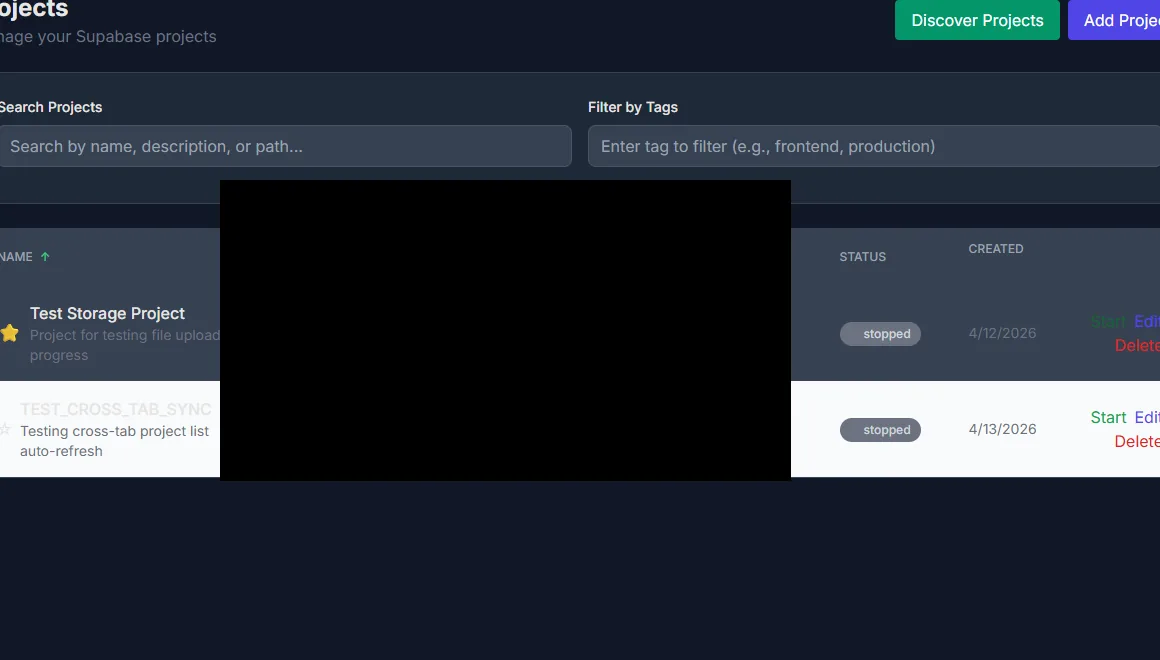
Project rows with status, path and the actions available in each state. Paths are redacted.
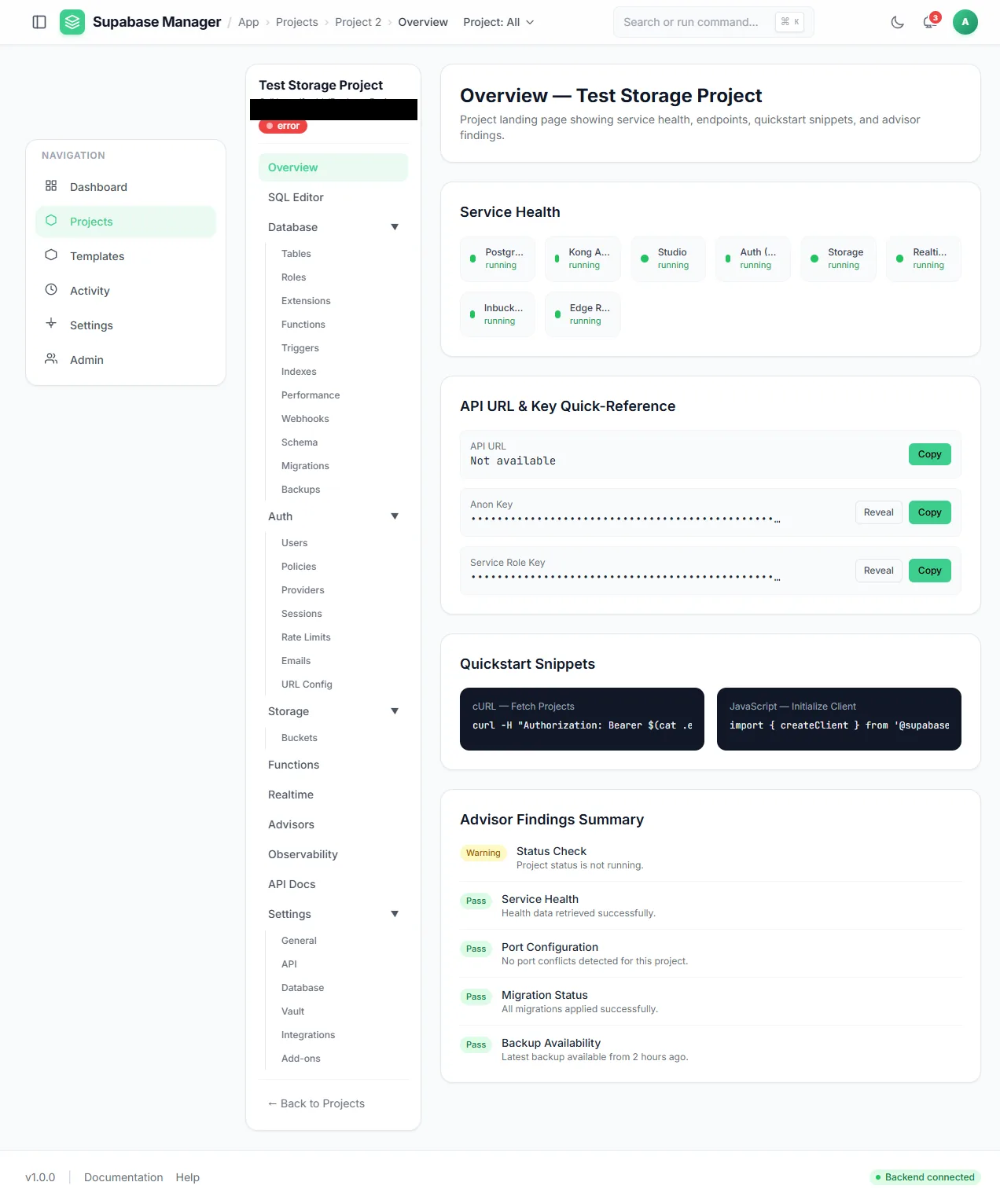
A single project overview: service health, masked keys, client snippets and advisor results.
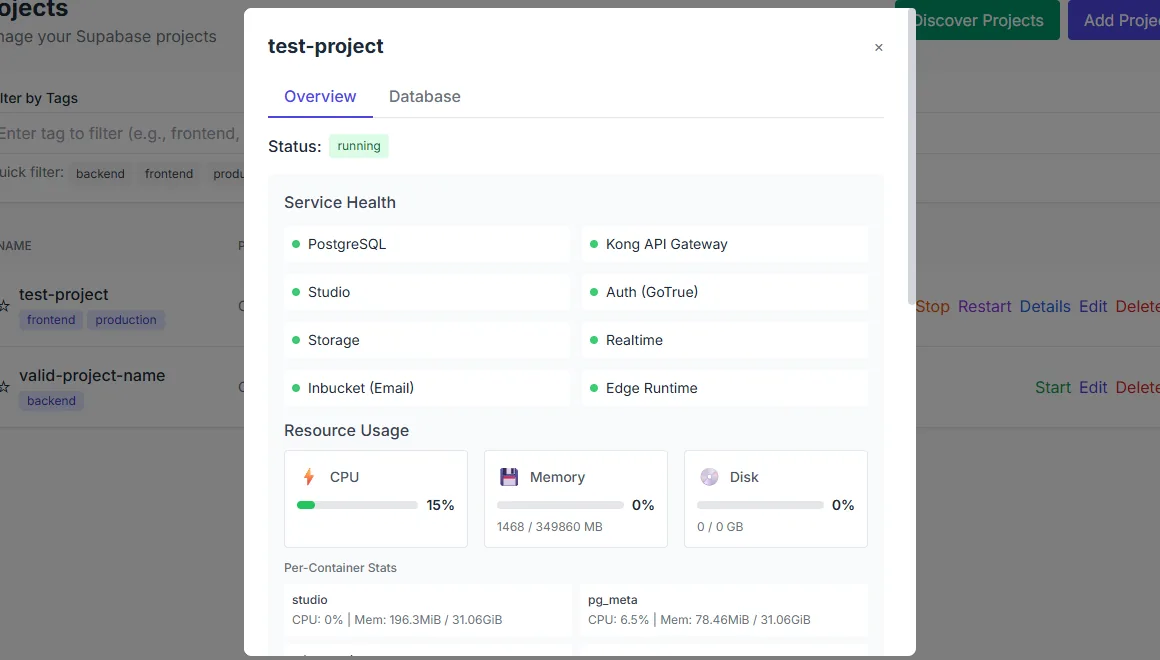
The per-project workbench switches between its main surfaces.
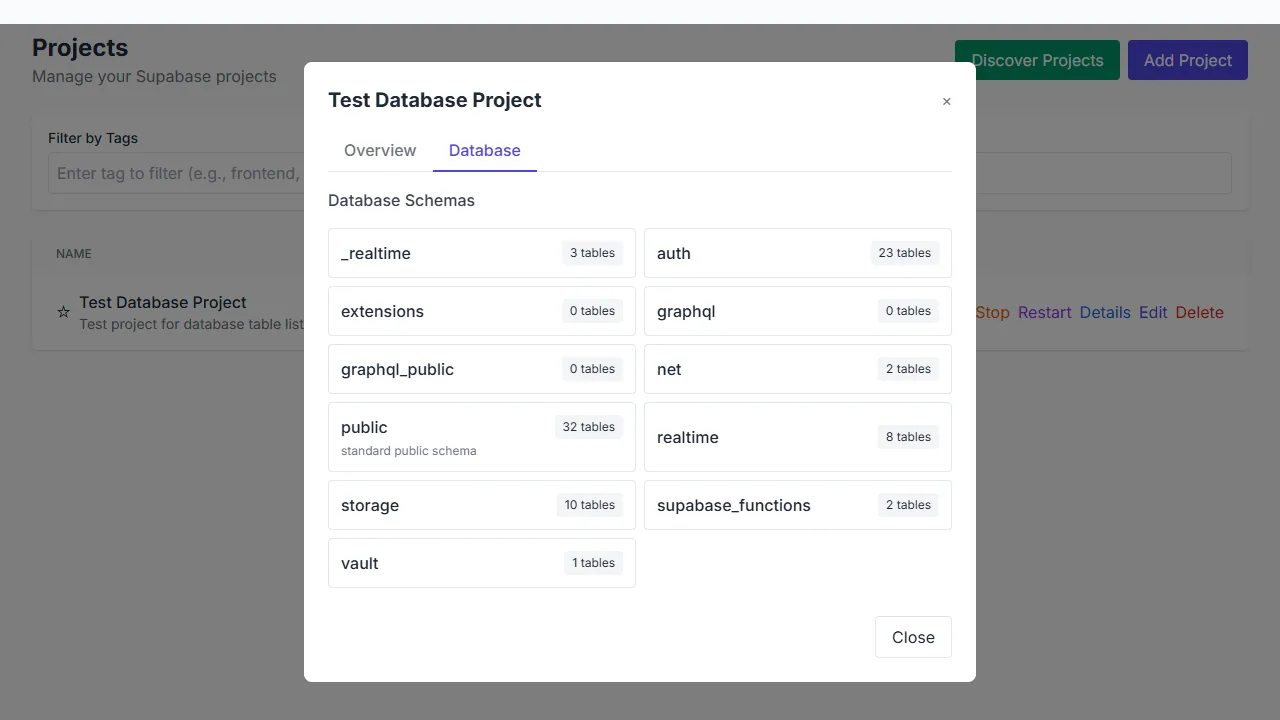
The database explorer groups tables by schema and shows their table counts.
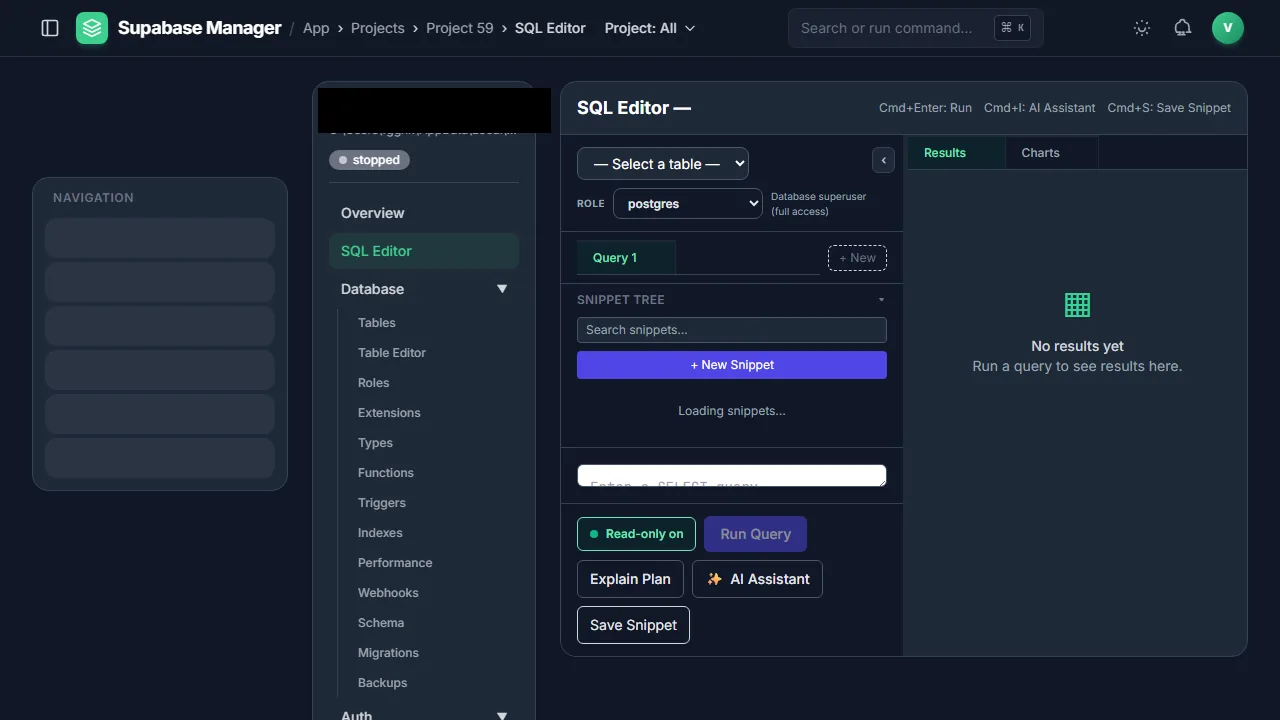
The SQL workbench combines snippets, role-aware execution, explain plans and an AI assistant.
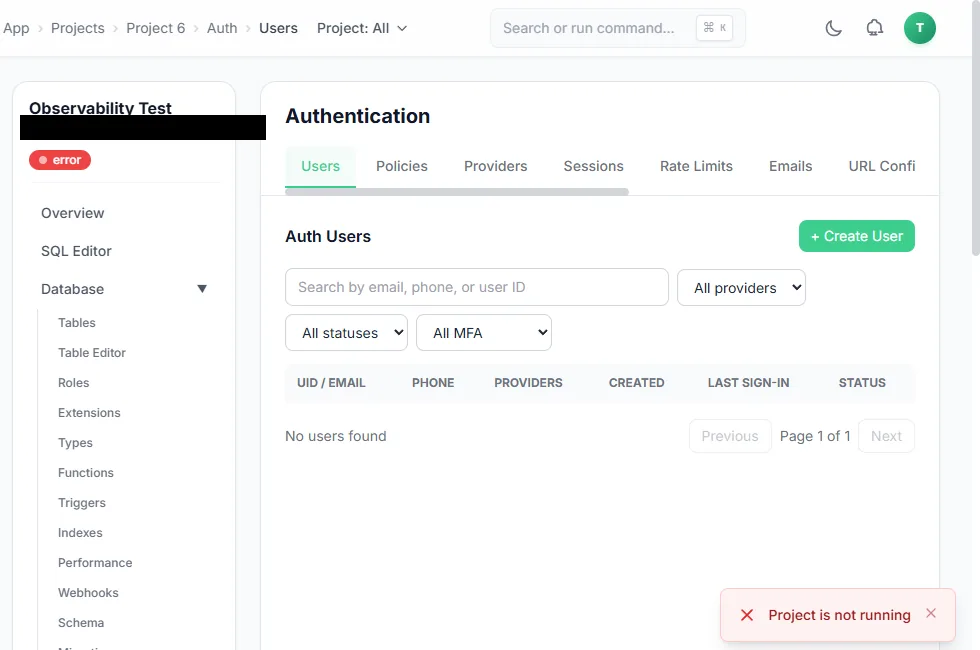
The Auth users tab while the project is stopped; the manager reports that the project is not running.
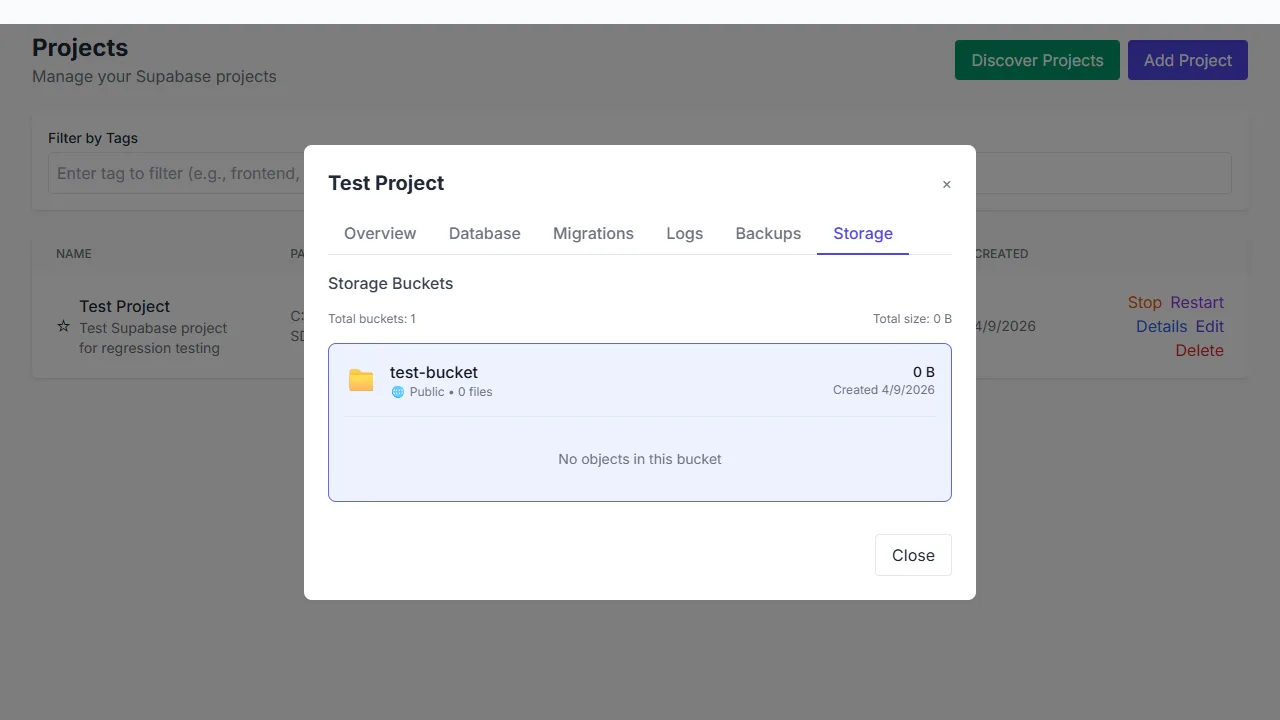
A storage bucket with its visibility and size; the object list is empty.
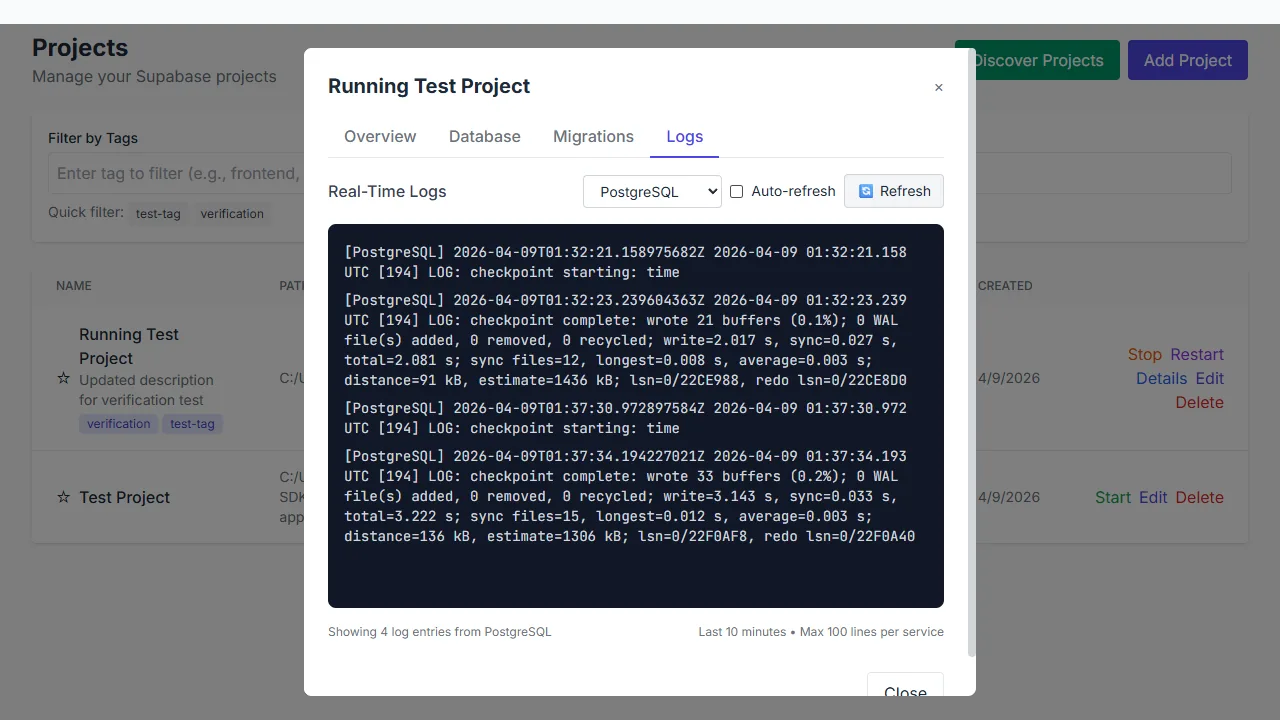
Service logs can be filtered and followed live.
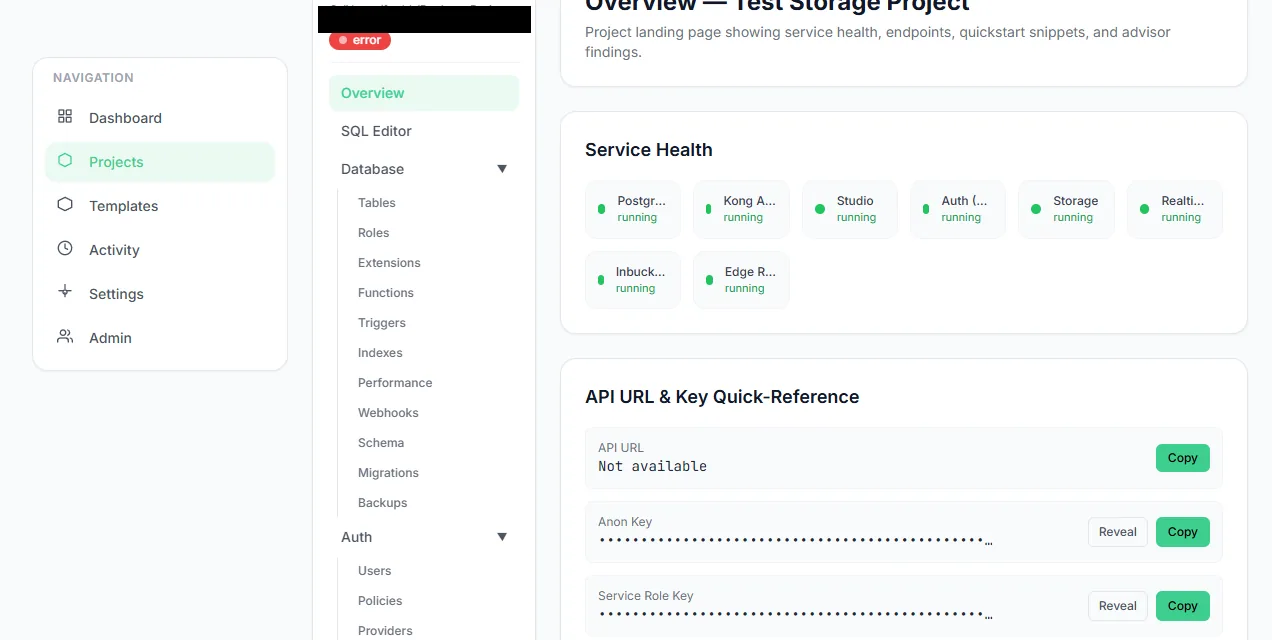
Each project exposes its running services and client endpoints.
Reach the project from a client
The project overview shows two stable origins. The front-door URL uses the project's database link on port 6000; the subdomain URL uses the project slug on port 9000. Either can be used in a client, with the project's anon key for API calls. The keys are masked until you reveal them. Use the anon key in a browser application and keep the service-role key on the server.
If a request to the front door returns 404, check the link and that your manager session owns the project. A known link without a credential returns 401; an unknown link and a non-owner both return 404 by design.
A short tour of the workbench
Database groups tables by schema and shows structure, relationships and policies. SQL runs queries with a role selection and keeps history. Auth lists the project's own users and lets you write and test policies. Storage browses buckets and uploads objects. Logs tails a service and the explorer searches six sources. Migrations and Backups cover schema history and restore points.
Stop and clean up
Stopping a project keeps its data and its port block. Deleting removes the manager's record and releases the block after confirmation; it does not silently delete the project folder on disk. Take a backup before a migration or an experiment you might regret.